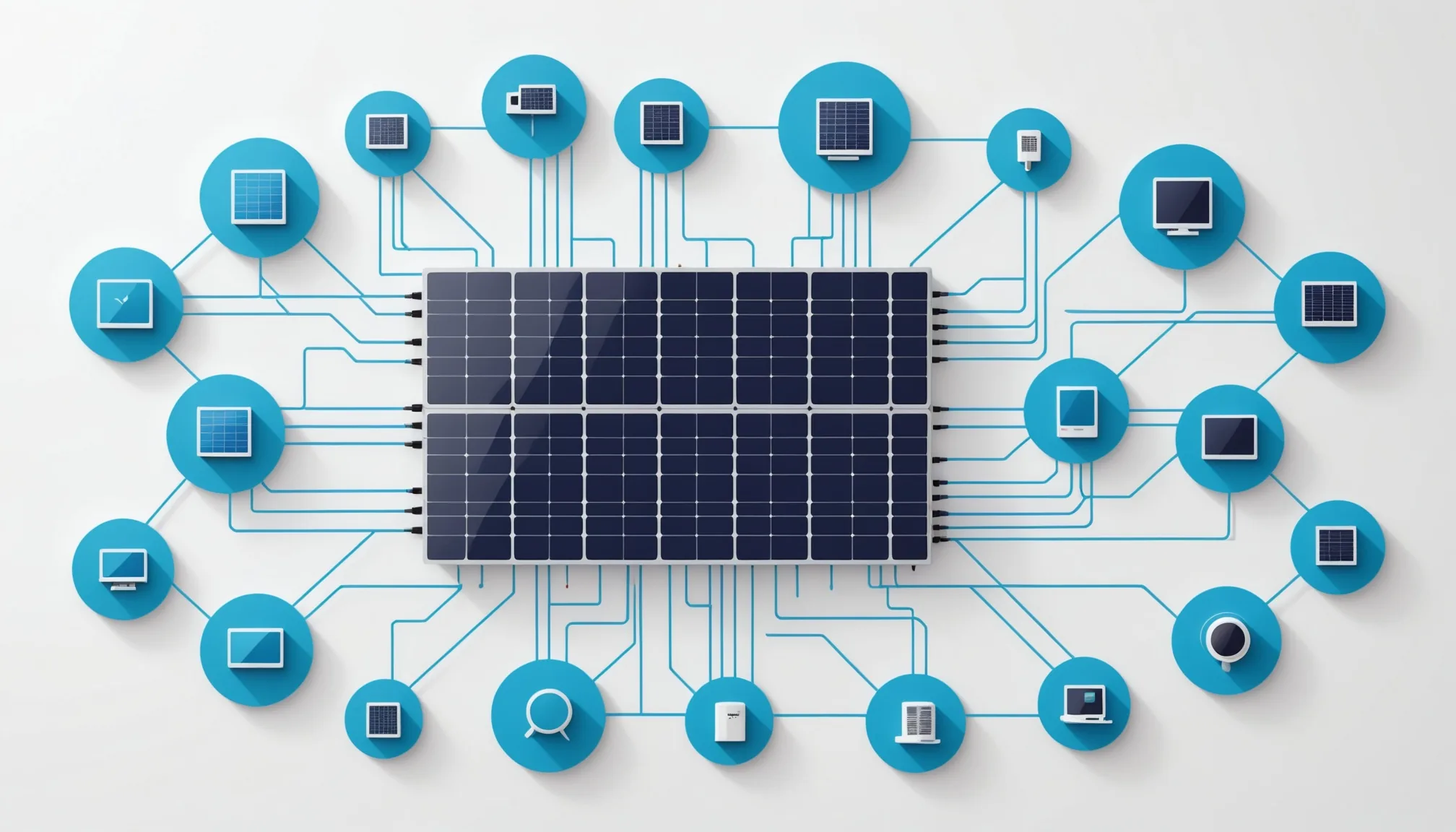
One of the underappreciated challenges of DER software development is that you cannot iterate against production hardware the way you can iterate against a typical REST API. You cannot send 50 test requests to a real solar inverter in the span of an afternoon without affecting someone's electricity generation. You cannot run demand response scenario testing against real grid infrastructure. And you definitely cannot test fault injection on live EV charging stations at a customer site.
This is what makes sandbox environments load-bearing infrastructure for DER software development, not just a nice-to-have. A well-designed sandbox accelerates the development cycle, reduces the risk of production incidents caused by untested edge cases, and lets small teams build and validate complex multi-protocol integrations without physical hardware.
What a DER sandbox needs to simulate
A useful DER sandbox is not just a mock server that returns static JSON. The device behaviors that matter most for application testing are dynamic: state changes, event sequences, error conditions, and interactions between devices.
The minimum viable sandbox for DER development should simulate:
- Device state machines — A simulated solar inverter should transition between operational states (grid-connected, islanding, fault, curtailed) in response to API calls and injected conditions, not just return a static reading.
- Realistic telemetry data — Synthetic time-series data that reflects plausible generation profiles (solar output that follows a daily irradiance curve, battery SoC that changes based on charge/discharge commands) rather than constant values.
- Vendor API behavior — Protocol and format fidelity to the actual vendor APIs, including their specific field names, pagination patterns, and error response formats.
- Event injection — The ability to trigger OpenADR events, fault conditions, grid signals, and other time-based stimuli to test event handling logic.
- Multiple concurrent sessions — Support for parallel developer sessions so multiple team members can test simultaneously without interfering with each other.
The device fleet simulation challenge
Most DER applications deal with fleets of devices, not single devices. Testing fleet-level behavior requires a sandbox that can maintain state for multiple simulated devices simultaneously and produce aggregate responses that reflect the state of the fleet.
For a demand response application, this means the sandbox needs to simulate a VTN that dispatches OpenADR events, a set of VEN devices that receive and respond to those events, and a telemetry stream that reflects each device's actual load reduction during the event window. Testing the application's settlement reporting pipeline requires all three to work together correctly.
This is harder to build than it sounds. The interaction between a simulated VTN and simulated VENs needs to mirror the real protocol semantics — registration, event acknowledgement, report exchange — with the right timing. Shortcuts that simplify the simulation for single-device testing tend to break when you try to test multi-device scenarios.
Seeding realistic scenarios
The most useful sandbox tests are not synthetic happy-path scenarios — they are scenarios based on the failure modes and edge cases you have seen in production. A few worth building explicitly:
- Device offline during event — A demand response event fires while 15 percent of enrolled devices are unreachable. How does the application handle partial dispatch success? What does the settlement report show for unreachable devices?
- Delayed telemetry — A device's metering data arrives 4 hours after the event end due to a network disruption. Does the reporting pipeline handle out-of-order data correctly?
- API rate limit hit mid-event — The vendor API returns 429 errors during peak dispatch. Does the application back off correctly, or does it retry aggressively and make the situation worse?
- Token expiry during session — An OAuth access token expires in the middle of a demand response event. Does the application refresh transparently without dropping commands?
Scripted sandbox scenarios that reproduce these conditions let you validate the application's failure handling before you encounter these situations in production. We have found that teams who invest in failure scenario testing in their sandbox encounter significantly fewer production incidents in their first year of operation.
Using sandbox environments across the development lifecycle
A sandbox that is only used during initial development misses much of its value. The patterns that work best use the sandbox throughout the lifecycle:
Prototype phase. Use the sandbox to explore API behaviors before committing to an integration architecture. Test your assumptions about vendor API semantics (polling vs. webhooks, event model, data granularity) without building production-grade code first.
Development phase. Run unit and integration tests against the sandbox as part of your CI pipeline. Every pull request that touches integration code runs against the simulated device fleet.
Pre-release testing. Run the full suite of scripted failure scenarios before every release. Any scenario that fails in the sandbox is cheaper to fix than one that fails in production.
Regression testing. When a production incident reveals an edge case, reproduce it in the sandbox and add a test that captures it. Future releases run against that test, preventing regression.
The sandbox is not a replacement for production testing — real hardware does things that simulations do not anticipate. But it is the layer that lets you arrive at real hardware with a well-tested application, rather than discovering fundamental integration problems in the field.
What sandbox testing cannot cover
There are categories of DER software behavior that sandbox testing does not cover well. Worth being explicit about the gaps:
Vendor-specific quirks in production firmware. A charger firmware version that handles a specific OCPP message differently than expected. An inverter model that returns a vendor extension field that breaks your parsing logic. These surface against real hardware, not in a simulation.
Network latency and reliability patterns. Real DER devices are deployed in physical environments with variable network quality. A sandbox that simulates perfect network connectivity misses latency spikes, packet loss, and connectivity dropouts that cause timing-sensitive bugs.
Scale effects. A sandbox with 50 simulated devices does not reveal the performance characteristics of your application under 5,000 concurrent device connections. Load testing at scale requires its own infrastructure, separate from functional sandbox testing.
Knowing these gaps helps you build the right complement to sandbox testing: targeted real-hardware testing for vendor-specific behaviors, chaos engineering for network reliability, and dedicated load testing infrastructure for scale validation. Sandbox first, then expand outward.